
Some links in this article are affiliate links. As an Amazon Associate, rcplanediy.com/ earns from qualifying purchases at no extra cost to you.
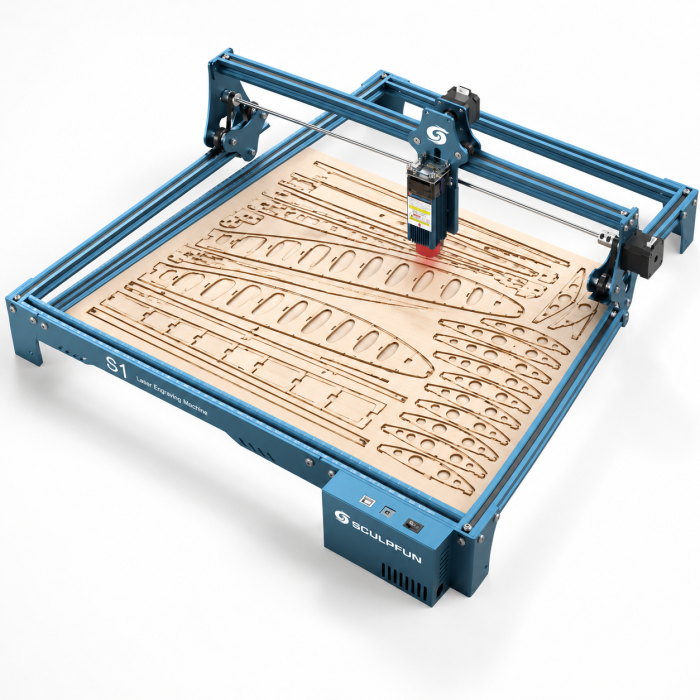
Real talk: I burned through more balsa ribs with an X-Acto knife and a steel rule than I care to admit before I finally bought a laser cutter. It won’t build the airplane for you, but it will save you a stupid number of hours cutting identical ribs, formers and doublers — and cut them more accurately than my hand ever could.
Fair warning: this stuff isn’t cheap, it isn’t plug-and-play, and it can set your garage on fire or damage your eyes if you get sloppy. If you’ve read my rant about how expensive this hobby already is, brace yourself.
If you need thicker plywood, basswood or 3D-contoured parts, a laser is the wrong tool — see my full guide to the best desktop CNC routers for RC airplane parts instead.
Quick Picks
| Pick | Machine | Why |
|---|---|---|
| Best Overall | Twotrees TTS-20 Max 20W | Big 600x600mm bed and 20W of cutting power for full wing panels |
| Best Budget | ORTUR Laser Master 2 S2 10W | Cheapest honest way in that still cuts balsa cleanly |
| Best First Laser | Longer RAY5 20W | 20W, touchscreen and offline mode, easy learning curve |
What to Actually Look For in a Laser Cutter for RC Parts
A diode laser cuts flat sheet stock — balsa, thin plywood, foam board, light ply doublers — and can also engrave rib outlines straight onto the sheet, so you can skip paper templates entirely.
- Wattage: 10W cuts 1/16″–1/8″ balsa easily but needs multiple passes near 1/4″ plywood. 20W and up cuts thicker stock faster with less charring.
- Bed size: 400x400mm is plenty for park flyers. Wing panels longer than about 20 inches need a bigger bed, or you’ll be cutting parts in sections.
- Air assist: blows air at the cut point to cut flames and edge char. Budget for it if it isn’t built in.
- Enclosure: contains sparks, fumes and stray reflections better than an open frame.
Every machine below is a Class 4 laser — it can blind you instantly and start a fire in balsa dust. Treat it like a table saw, not a hot glue gun.
Designing your own ribs? Draw them in our free RC Wing Designer tool, export, and let the laser cut them.
Best Diode Laser Cutters for RC Airplane Building
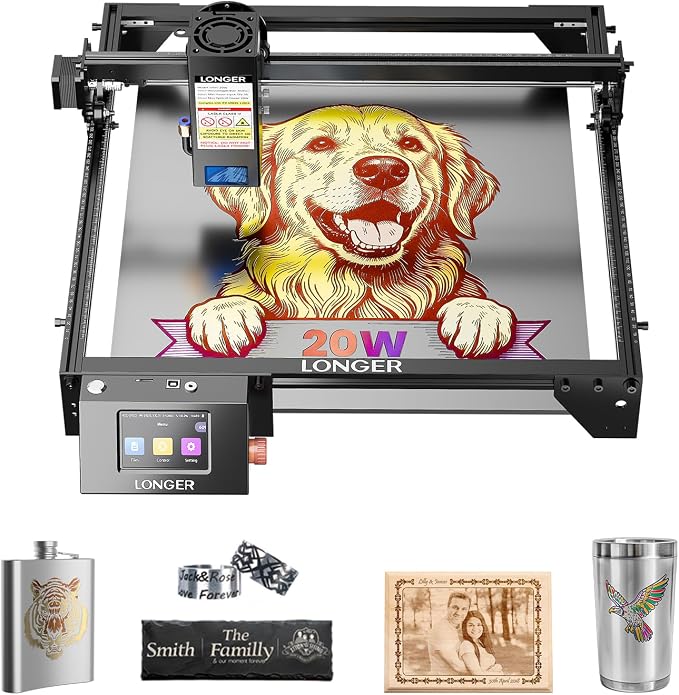
🥇 Longer RAY5 20W Laser Engraver
This is the one I’d point a first-time buyer toward. The 20W module has enough bite to cut 1/8″ plywood in a couple of passes and gets through balsa sheet almost embarrassingly fast, and the compressed 0.08 x 0.1mm spot keeps rib details crisp instead of that slightly-melted look you get from cheaper diodes. The built-in 3.5″ touchscreen and offline mode mean you can run a job without keeping a laptop tethered to it all afternoon.
Software plays nicely with LightBurn and LaserGRBL, which honestly matters more than the hardware once you’re a few projects in. Air assist is a separate add-on on this model, so budget for the pump below.
Specs: 20W diode laser, 0.08 x 0.1mm compressed spot, 400 x 365mm working area, 3.5″ touchscreen with offline engraving, LightBurn/LaserGRBL compatible
Best for: First-time buyers wanting one machine that handles both balsa cutting and template engraving without a steep learning curve
Builder feedback: Rated 4.6★ by Amazon buyers; the touchscreen and offline mode get mentioned a lot by people coming from a 3D printer who wanted something that felt similarly “just works” — once the gantry is squared properly.
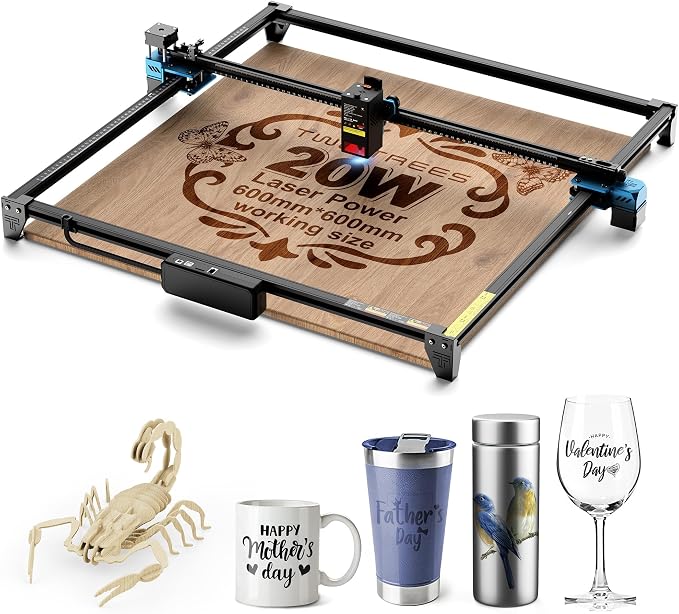
🥈 Twotrees TTS-20 Max 20W Laser Engraver (600 x 600mm)
This is my actual pick for Best Overall, and the reason is the bed size as much as the power. A 600x600mm working area means most wing panels and full rib sets fit without splitting them into sections. The 20W diode gets through 1/8″ plywood cleanly and handles thicker ply with a few more passes, and it runs happily from LightBurn, LaserGRBL, Wi-Fi or a TF card for offline jobs.
Drawback, because I promised I’d give you those: air assist isn’t built in — there’s a dedicated port for it, but you’re buying the pump separately. And a frame this big takes up real bench space, so measure before it arrives.
Specs: 20W (≥19.5W optical) 450nm diode, 600x600mm working area, Wi-Fi / USB / TF card offline control, LightBurn and LaserGRBL compatible, ports for air assist and touchscreen
Best for: Builders cutting full-size wing panels, doublers, and larger fuselage formers in one go
Builder feedback: The bigger bed gets mentioned constantly as the reason people choose this over a smaller diode laser — fewer joints to hide under covering film. 4.3★ from ~590 ratings.
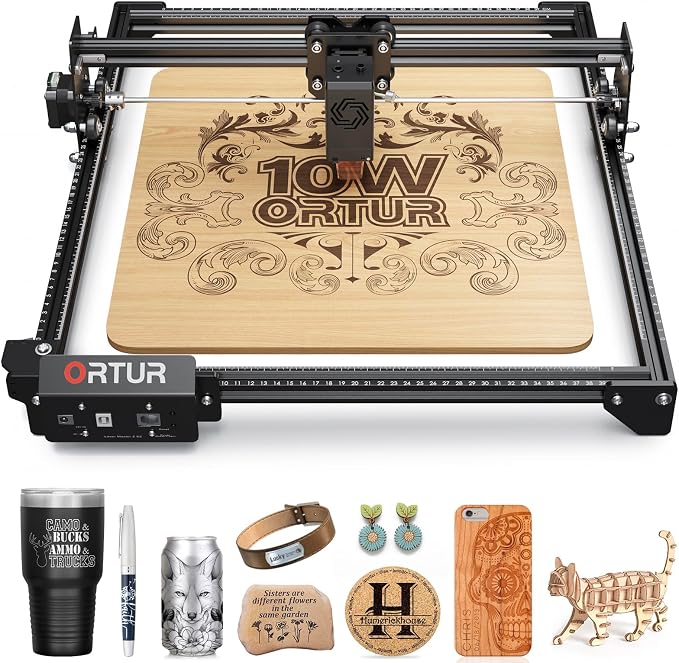
🥉 ORTUR Laser Master 2 S2 10W Laser Engraver
The honest budget pick. Ten watts is plenty for balsa and thin ply, the full-metal frame goes together in about 15 minutes, and the 390 x 410mm engraving area covers most park-flyer parts. It’s not going to blaze through 1/4″ plywood without patience, and at this price you should expect to check the frame is square before your first job — which, to be fair, is true of every machine at this price point, not just this one.
Ortur has also put genuine thought into safety for a budget machine: a G-sensor stops the laser if the machine is bumped or tilted, and it ships with a UV-filtering shield and goggles.
Specs: 10W optical output, 0.05 x 0.1mm compressed spot, 390 x 410mm engraving area, G-sensor safety stop, LightBurn and LaserGRBL compatible, Class 4 laser
Best for: Budget-conscious builders mainly cutting balsa sheet and engraving plan outlines rather than production-cutting thick plywood all day
Builder feedback: Over 1,400 Amazon ratings at 4.2★. The common tip is a squaring check out of the box — five minutes with an actual square fixes most of it.
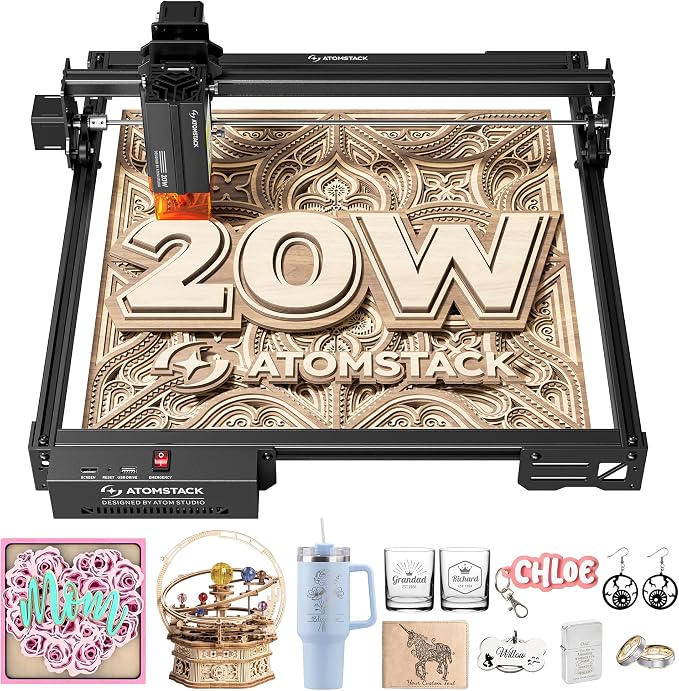
ATOMSTACK A20 Pro V2 20W Laser Engraver
The straightforward mid-range 20W alternative. ATOMSTACK is one of the bigger diode-laser brands, and the A20 Pro V2 pairs a 20W module with linear-guide motion that keeps the gantry stiff and the cut lines straight — useful when you’re cutting long spar notches in a sheet of ribs.
It works with ATOMSTACK’s own app and PC software, but most builders will run it from LightBurn or LaserGRBL. If you want to engrave round parts like dowel spars or spinners, add the rotary roller below.
Specs: 20W diode laser, linear-guide motion, aluminum frame, USB / Type-C control, LightBurn, LaserGRBL and ATOMSTACK app compatible
Best for: Builders who want a 20W machine from an established laser brand at a mid-range price
Builder feedback: 4.2★ from ~280 ratings; buyers highlight the quick assembly and the cutting power for the price.
Creality Falcon 10W Laser Engraver
Creality’s name recognition from the 3D printing side carries over here, and the Falcon 10W is a solid known-brand budget pick. The 0.06 x 0.06mm compressed spot gives clean rib outlines, the 400 x 415mm working area handles most park-flyer parts, and an SD card slot lets it run offline.
It’s an open-frame design, not one of the enclosed Falcon2 Pro models, so you still want the same eye protection and fire precautions as anything else on this list — the anti-UV shield on the laser head and the included goggles help, but they’re not the same thing as a contained beam.
Specs: 10W optical output (sold as “72W” input class), 0.06 x 0.06mm compressed spot, 400 x 415mm working area, 10,000mm/min, SD card offline mode, LightBurn and LaserGRBL compatible
Best for: Builders who want a known-brand machine on a tight budget, especially if they already use Creality 3D printers
Builder feedback: 4.2★ from ~185 ratings; frequently mentioned as an easy entry for people already in Creality’s ecosystem.

Laser Safety Gear & Air Assist Accessories You Actually Need
Nobody wants to spend extra money right after buying the main machine, I get it. But skip this section at your own risk — literally, in the case of the safety glasses.
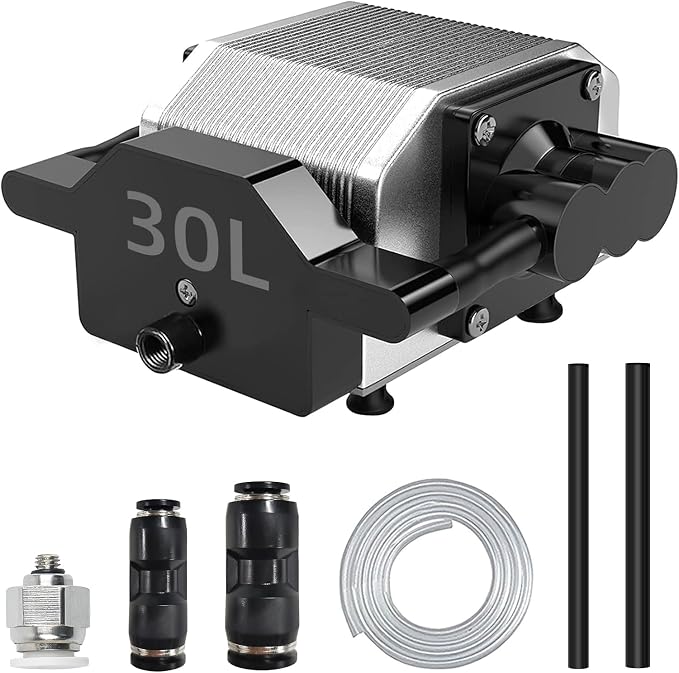
ANNOYTOOLS 30L/min Air Assist Pump Kit
A 0–30L/min adjustable air pump that blows a stream of air right at the cut point, which keeps flames down and noticeably reduces the black char on cut edges. Less char means less sanding before you cover the part, which is reason enough on its own. Worth grabbing for any machine above that doesn’t ship with air assist included — the Longer, Twotrees, Ortur and Creality all benefit.
The kit includes a 59″ 8mm hose plus 8-to-6mm and 8-to-10mm adapters, so it fits most diode laser heads without hunting for fittings.
Specs: 0–30L/min adjustable airflow, 59″ 8mm hose with 6mm and 10mm adapters, fits most diode laser heads, reduces soot and charring on cut edges
Best for: Anyone whose laser cutter didn’t come with air assist built in — cleaner cuts, less cleanup
Builder feedback: 4.3★ from ~175 ratings. The main gripe is just finding bench space for one more box and one more hose, not the performance.
Laser Safety Glasses (405/445/450nm Diode Wavelengths)
Wear these. Every time. Yes, even for “just a quick engrave.” Every laser cutter listed above is a Class 4 device — that’s the same hazard class as industrial cutting lasers, and it can cause permanent eye damage before you’d even feel it happening. They’ll make you look like you’re doing at-home LASIK, and that’s a fair trade for keeping your eyesight.
Specs: Rated for common diode laser wavelengths (405/445/450nm) plus additional coverage for 532nm and 850nm sources
Best for: Literally every single laser cutter session, full stop
Builder feedback: The kind of purchase nobody’s excited about until the one time they need it.

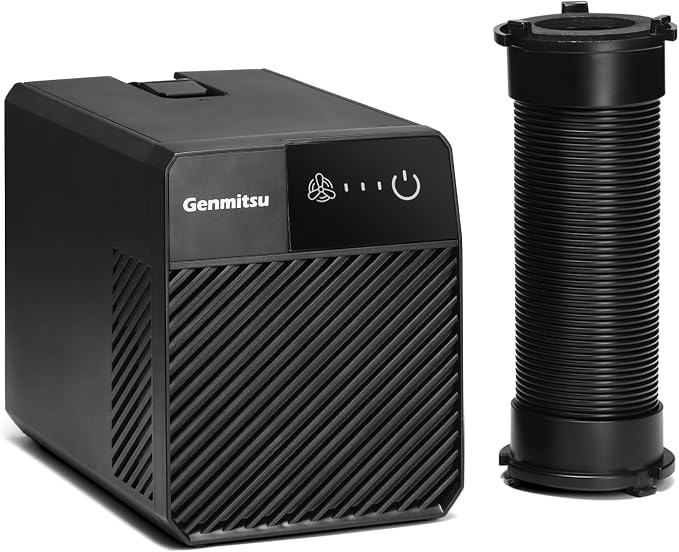
Genmitsu Smoke Purifier / Fume Extractor
Burning balsa and plywood smells kind of great for about the first ten minutes, then it gets old fast, and your garage (and whoever else lives in your house) will start noticing. A fume extractor with real filtration handles this properly instead of just moving the smell to a different room.
This compact Genmitsu unit uses five filter layers and three fan speeds, with an indicator that tells you when the filters need replacing — a sensible size for a hobby diode laser rather than an industrial enclosure.
Specs: 5-layer filtration, 3 adjustable speeds, filter-status indicator, compact portable design, low noise
Best for: Keeping the smoke, smell, and fine particulate out of your workshop air — and out of the argument about whether this hobby can stay in the garage
Builder feedback: 4.3★ from ~95 ratings. Works best paired with an actual enclosure or hood around the cutting area — sitting a few feet away in open air, any extractor does a lot less than you’d hope.
Laser Bed & Engraving Accessories
Creality Honeycomb Working Table (500x500mm)
An aluminum honeycomb bed that elevates your workpiece so the beam can actually cut all the way through instead of scorching your bench underneath. Also helps dissipate heat and gives you noticeably more even cuts on thin balsa and lite-ply sheet.
Specs: Aluminum honeycomb structure, 500x500mm, elevates workpiece for clean through-cuts, aids heat dissipation
Best for: Protecting your actual work surface and getting cleaner edge quality on thin sheet stock
Builder feedback: Adds a bit of height to your setup, so plan on rechecking your Z-focus after installing one — an easy step to forget the first time.

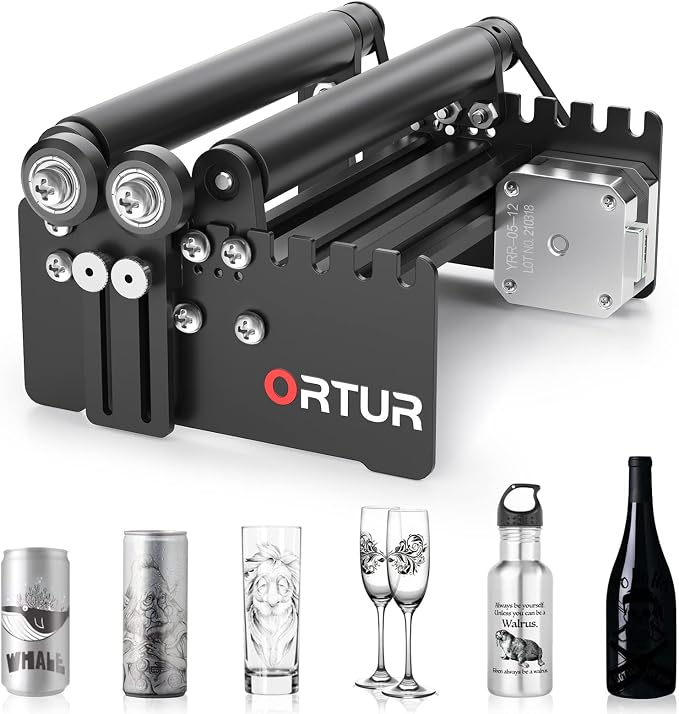
ORTUR Laser Rotary Roller Attachment
None of the lasers above bundle a rotary, so this is the accessory that unlocks engraving on round stock — dowel wing spars, wheel pants, aluminum spinners, fuel tubes. Diameter is adjustable and it plays reasonably well across brands, not just Ortur’s own machines.
Specs: 360° rotation, adjustable diameter range, broad cross-brand compatibility with most desktop laser engravers
Best for: Adding cylindrical engraving capability to a laser that didn’t come with one bundled
Builder feedback: A “why didn’t I buy this sooner” purchase for anyone doing scale detail work with round parts.
Comparison Table
| Machine | Power | Work Area | Best For |
|---|---|---|---|
| Longer RAY5 20W | 20W | 400 x 365mm | First laser cutter, all-around balsa/ply cutting |
| Twotrees TTS-20 Max 20W | 20W | 600 x 600mm | Full wing panels, larger sheet stock |
| ORTUR Laser Master 2 S2 10W | 10W | 390 x 410mm | Budget entry, balsa-focused cutting |
| ATOMSTACK A20 Pro V2 20W | 20W | Standard open-frame bed | Mid-range 20W from an established laser brand |
| Creality Falcon 10W | 10W | 400 x 415mm | Known-brand budget pick |
Frequently Asked Questions
Can a laser cutter actually cut balsa and plywood, or does it just engrave?
It genuinely cuts, not just marks. A 10–20W diode laser will slice through balsa sheet in a single pass and gets through 1/8″ plywood in a couple of passes. Anything past about 1/4″ plywood or basswood starts taking real patience.
Should I get a laser cutter or a CNC router first?
If you’re mostly working in balsa and thin ply, start with a laser — it’s the more forgiving, faster entry point for flat sheet parts. If you’re regularly cutting thicker plywood, basswood, or need 3D-contoured parts like a carved cowl or leading edge, a CNC router is the better first purchase instead. I’ve written a full breakdown in the best CNC routers for RC airplane building guide if that sounds like you.
Are these diode lasers actually dangerous, or is that overblown?
They’re genuinely dangerous, not just a liability disclaimer. Class 4 lasers can cause permanent eye damage instantly and can ignite scrap balsa dust or shavings if left running unattended. Wear the safety glasses, keep flammable scrap clear of the work area, and don’t walk away mid-cut.
What size work area do I actually need for RC airplane parts?
It depends entirely on what you build. Small park flyers and foamies are fine on a compact 400 x 400mm bed. Anything with wing panels longer than about 20 inches gets a lot more practical with a 600 x 600mm bed — otherwise you’re cutting parts in sections and rejoining them.
Can these machines cut carbon fiber or fiberglass?
No — diode lasers don’t cut composites cleanly and the fumes from burning resin are not something you want to breathe. That’s a CNC router job, with the right bit and proper dust extraction.
Final Thoughts
Start with a laser if you’re mostly working in balsa and thin ply — it’s the more forgiving entry point, and honestly the one that’ll save you the most hours per dollar spent. My actual pick for most builders is the Twotrees TTS-20 Max for the bed size alone; the Ortur is the right call if you want to keep the budget down and don’t mind a smaller working area.
Whichever way you go, budget for the safety gear on day one, not after something goes wrong. It’s the least exciting purchase on this whole list and the one I’d least want you to skip.
Related Guides
- Best CNC Routers for RC Airplane Building — the companion guide for thicker material and 3D-contoured parts
- Best Balsa Wood for RC Airplanes — the material you’ll actually be feeding into most of these machines
- Essential Tools for Balsa Model Building — the hand-tool basics that still matter even once you own a laser
- Best 3D Printers for Printing RC Airplanes — the additive counterpart to everything on this page
- RC Wing Designer — Complete User Guide — design your rib profiles here first, then cut them with the gear above